

The Faithful Homeschool Steward · Module 5 Kickoff
What You Built
Four lessons ago your Roadmap was still a page of good intentions. Now it has a Habit that’s actually running, an Experience you curated on purpose, a Project your child directs, and a Mentor you found after naming your own. You built your own Stewardship Habit at Waypoint 4, the same process turned back on you. Every tool so far, the Journal, the Blueprint, the Roadmap, all of it, you built entirely by hand.
What’s Coming
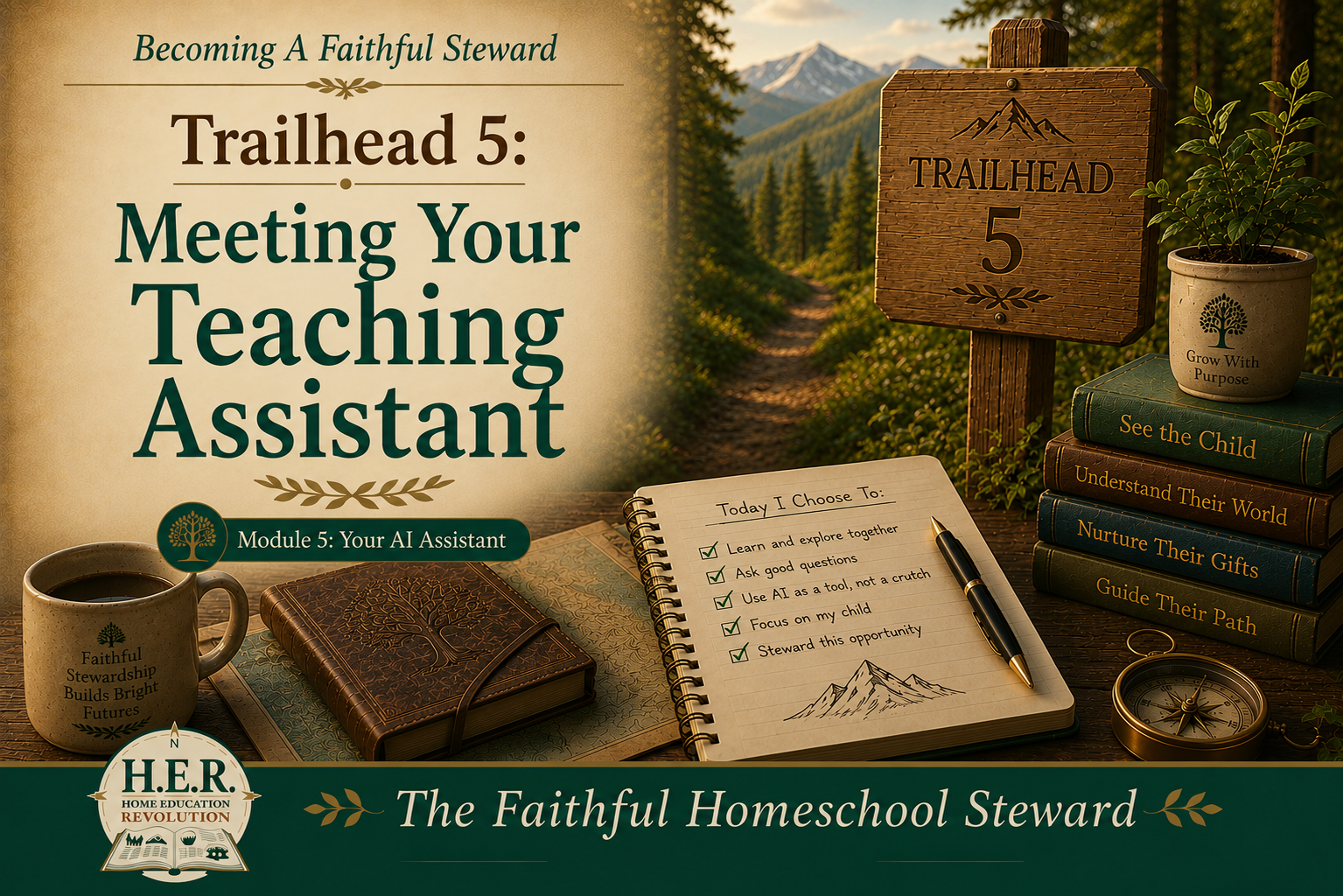
This module is different, and it’s worth saying so plainly before you go further: it’s optional. You’ve already built everything this course promised without touching a single AI tool, and that will keep working exactly as well as it has for the last eighteen lessons. Module 5 is where a Teaching Assistant enters, not to replace any of that, but to save you real time on the parts of it that don’t need to be handmade.
Lesson 19, What AI Should Never Do, sets the boundaries before anything else. Lesson 20, Teaching AI About Your Child, is where you stop feeding it one fragment at a time and hand over the whole season at once. Lesson 21, Building Your Digital Blueprint, is where a Blueprint that’s quietly gone out of date gets brought current. Lesson 22, Generating Your First Weekly Guide, is where all of it gets small enough to actually use on an ordinary Tuesday.
Why This Matters
Here’s the actual case for spending four lessons on a tool you don’t need: retyping the same Journal entries into every new conversation, hunting by hand across six Blueprint sections and four Roadmap entries for a pattern you already half-see, staring at a blank page trying to plan next week from a season’s worth of notes, none of that is the work of knowing your child. It’s the busywork sitting on top of it. Home Education Revolution’s own Discovery Package puts the whole philosophy in one line: AI should reduce busywork, not replace relationship. Every minute this module gives back isn’t a minute you spend away from your kid. It’s a minute you get to spend on them instead of on the paperwork of understanding them.
If the words AI or ChatGPT still make you nervous, that’s worth naming honestly rather than pushing past. The first course has a plain, no-jargon starting point built for exactly that feeling, A Gentle Introduction to AI for Homeschool Moms, worth a look first if this still feels like more than you want to take on right now. Nothing in this module requires more comfort with technology than that post assumes.
A Few Ways To Talk To It Well
Everything in this course so far has lived on paper: a Journal, a Blueprint, a Roadmap. This module is the first time any of it moves onto a screen you talk to, and talking to it well is its own small skill, worth a few minutes before Lesson 19 starts.
Talk to it like a person, not a search engine. Full sentences, not keywords, “my son is eleven and gets frustrated with handwriting” works better than “handwriting help kid.”
Give it the specific, not the general. Your actual Journal entries beat a summary of them, every time, Lesson 20 is built entirely around this one habit.
Ask it to ask you questions instead of just answering. “Ask me one question before you respond” often gets you further than asking it to just perform.
Iteration is normal, not failure. If the first answer feels off, say exactly what’s wrong and ask again. That’s not starting over, it’s the conversation working the way it’s supposed to.
There’s no special phrasing it’s waiting for. If you can text a friend, you can do this.
Try this now, if you want to test the waters before Lesson 19: describe one thing that made you proud of your child this week, in a few sentences, to an AI assistant, and ask it to reflect back what stood out. Nothing here needs to be strategic yet. Just get a feel for the back and forth.
One Thing Before You Turn The Page
Before Lesson 19, guess, cold: how many extra minutes a week could an AI assistant actually save you, and on what specific task. Don’t think it through carefully. Just write the number and the task.
Seal it the way you’ve sealed every baseline before it. You’ll set it next to what actually happened at Waypoint 5.
Looking Ahead
Lesson 19 starts exactly where Lesson 11 already drew a line: this tool surfaces things. It doesn’t decide things. Everything else this module teaches sits on top of that boundary, not around it.
Related Reading
A Gentle Introduction to AI for Homeschool Moms
The Assistant You Didn’t Know You Had
Continue Your Journey
← Back to the Full Table of Contents
Previous: Waypoint 4: Stewardship in Action, Complete
Next: Lesson 19: What AI Should Never Do
Join the H.E.R. (Home Education Revolution) Community at www.homeedrevolution.com