

The Faithful Homeschool Steward · Module 3: Thinking Like A Steward
Objective
Two modules and forty-some Journal entries took real time to build, and that was the point. No shortcut could have gotten you here honestly. This lesson is where a new tool enters the course for the first time: AI, optional, never a requirement, and only useful now because there’s finally real material for it to work with. Handed a blank page, AI would have to guess, the same way a five-question quiz guesses at a learning style. Handed the Blueprint you actually built by watching your own child for two months, it can do something a quiz never could: help you see patterns across six sections faster than sifting through them by hand ever would. That’s its whole job in this lesson: surfacing connections. You still decide what they mean.
Opening Story
Dana spreads Josie’s six Blueprint sections across the kitchen table and just stares at them. Interests: still practices clarinet most days, months after band season technically ended, nobody reminding her. Character: quits one piece before the visible finish, avoiding the moment her effort gets judged. Relationships: notices the one kid nobody picked and quietly fixes it. Each fact is true. Each one sits there next to the others without telling her anything new.
The Reframe
A Blueprint is data. A Steward looks for the connections between sections, where interest, gift, and motivation overlap is where growth happens fastest.
Six accurate facts about Josie, read one at a time, are just six accurate facts. It’s the same principle you’ve been using since Lesson 3, a pattern only shows up once you stop looking at single moments and start looking across them, just applied sideways this time, across categories instead of across weeks.
How This Works
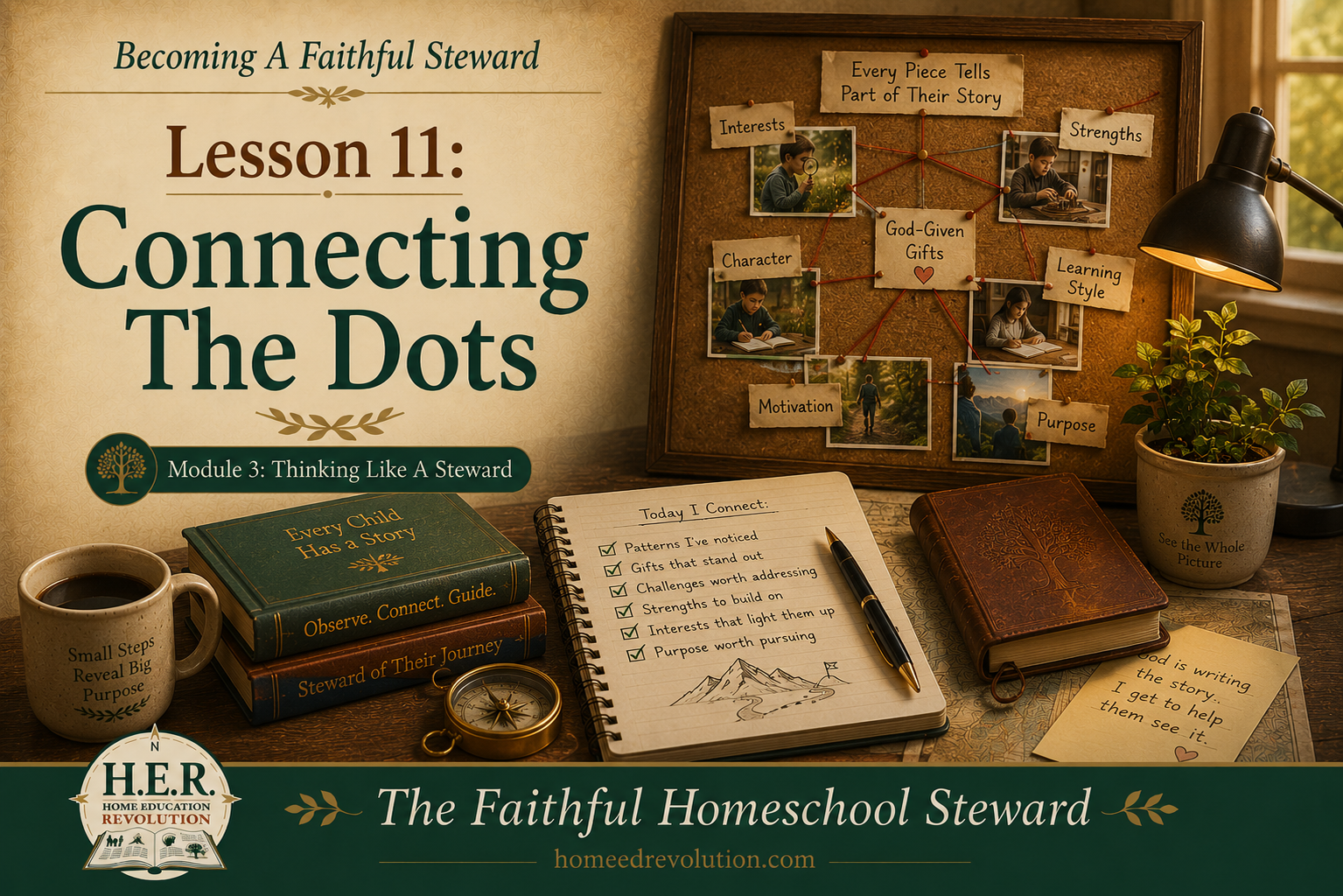
Using the Discovery Package you downloaded at Waypoint 2, spread all six Blueprint sections out where you can see them at once, and literally draw lines between entries that seem to relate. You decide what the patterns mean. Nothing here requires a tool, just the willingness to stare at six true things a little longer than feels productive.
Dana ran it on Josie’s spread and found three things that hadn’t looked connected until they were sitting next to each other: the unprompted clarinet practice, the rhythm-and-sequencing gift that had unlocked math back in Lesson 4, and the instinct to notice whichever kid got left out. Alone, three unrelated facts. Together, a shape: a kid who’s good at patient, one-step-at-a-time explanation, and who already cares about whoever’s struggling the way she once struggled herself. Not a job title. A direction worth making room for.
Sample Entry
Connection circled: clarinet practice (Interests) + rhythm/sequencing gift that unlocked math (Lesson 4) + notices the left-out kid (Relationships). Three separate sections, same underlying shape: patient, structured teaching aimed at someone who’s struggling.
Want Help?
If six sections still feel like six separate facts even after staring at them a while, that’s normal, not a sign you’re doing this wrong. This is the first lesson where an optional tool is available if you want it: describe your child’s Blueprint to an AI assistant the way you’d describe your kid to a homeschool friend who’s watched a hundred kids and might catch something you’re too close to see, and ask it what patterns or connections stand out. You’re not handing over the decision. You’re borrowing a second pair of eyes for a minute before making the call yourself.
Pro Tip: typing out six sections by hand is a lot to retype. Most AI apps will let you read your Blueprint pages aloud instead, or snap phone photos of them and attach the images directly, so it can take in what you already wrote without you retyping a word. Share as much or as little identifying detail as you’re comfortable with, it’s still your call.
Before you ask, pull out the Child Blueprint Summary page you filled in by hand at Waypoint 2. Set what AI comes back with next to what you already wrote. Where they agree is worth trusting. Where they don’t is worth sitting with, not a sign either one got it wrong.
This Week’s Assignment
Find and circle three cross-Blueprint connections.
Look across all six sections at once, not one at a time. A connection is two or more entries that seem to be pointing at the same underlying thing.
Building Your Development Roadmap
These circled connections become the first Connections page in the Roadmap, the raw material Lesson 12 will narrow into an actual priority.
Looking Ahead
Connections point toward possibilities. Next: narrowing those into actual priorities.
Related Reading
A Gentle Introduction to AI for Homeschool Moms
Can ChatGPT Actually Build My Homeschool Curriculum?
Continue Your Journey
← Back to the Full Table of Contents
Previous: Trailhead 3: Thinking Like A Steward, Begins
Next: Lesson 12: Finding Development Priorities
Join the H.E.R. (Home Education Revolution) Community at www.homeedrevolution.com